Platform
From field capture to make-ready signoff. One platform.
Computer vision, a spatial view of your route, a review queue your team will actually use, and clean writeback when it's time to land in your system of record. FieldTrip runs standalone or plugs into the tools your team already runs.

Platform Modules
Each module works standalone or together as a unified workflow.
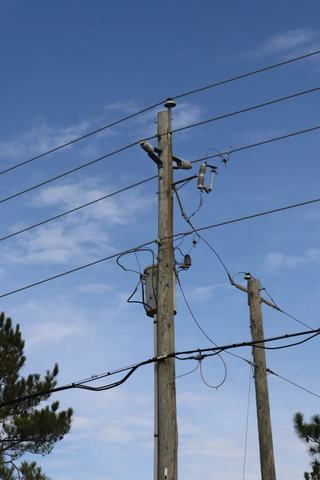
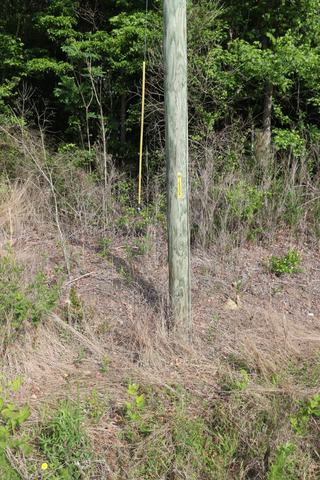
Computer Vision
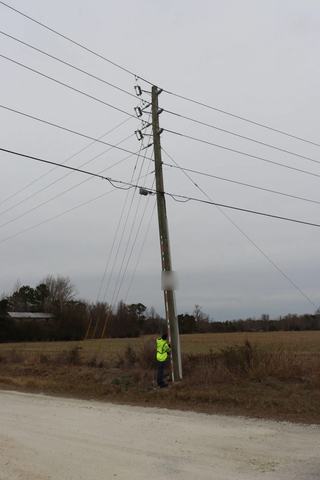
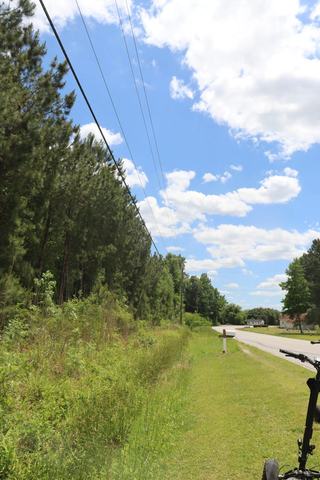
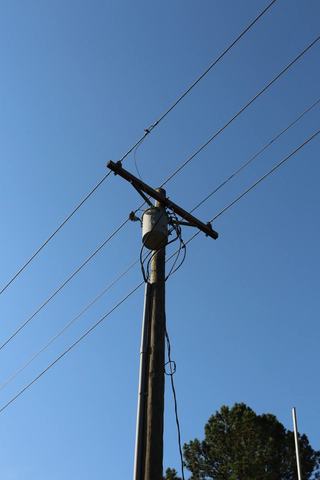
Two ways to run pole detection. Shared models kept current with every release, improving as more engineering teams contribute photography. Or bespoke models trained on your photography alone, for Enterprise partners.
- Shared pole detection out of the box — kept current as more engineering teams use the platform
- Enterprise: bespoke models trained on your photography alone, in your single-tenant environment
- Confidence thresholds you set — above the bar ships, below it routes to a reviewer
- Exception routing built in: nothing low-confidence ships without a human signoff
Geospatial Module
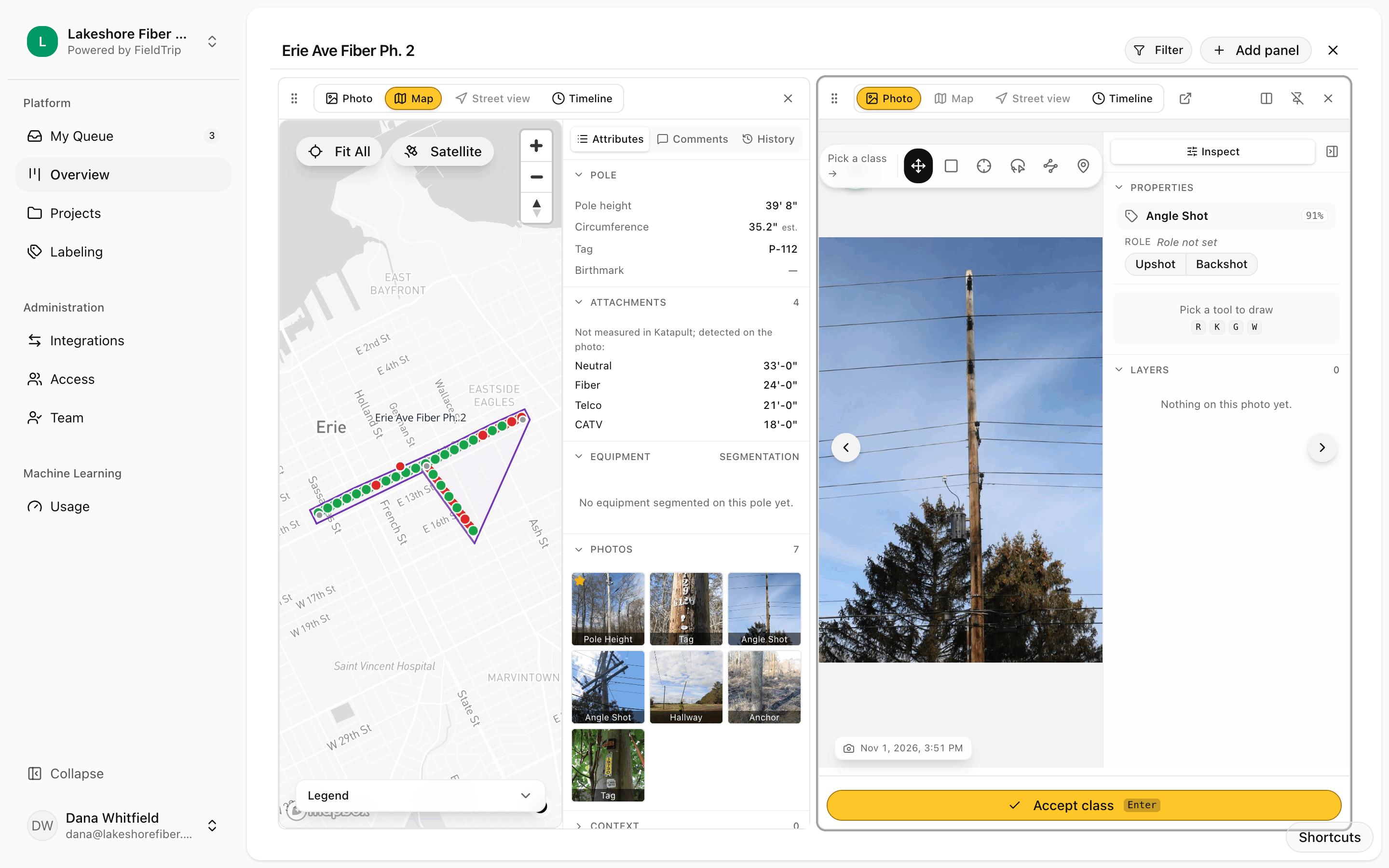
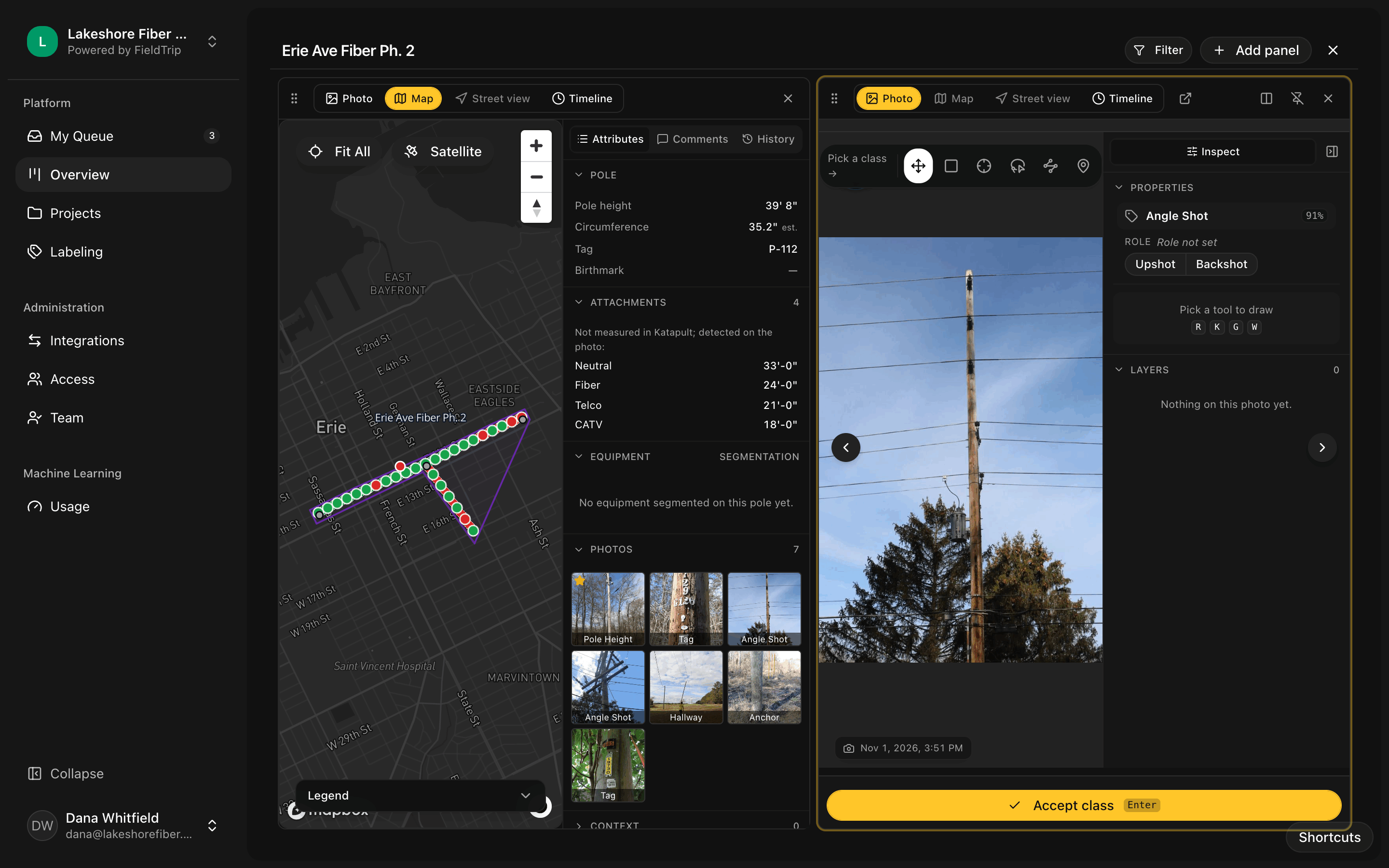
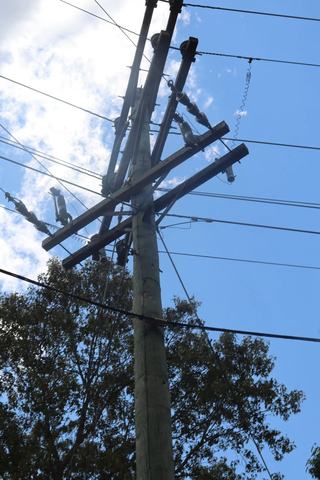
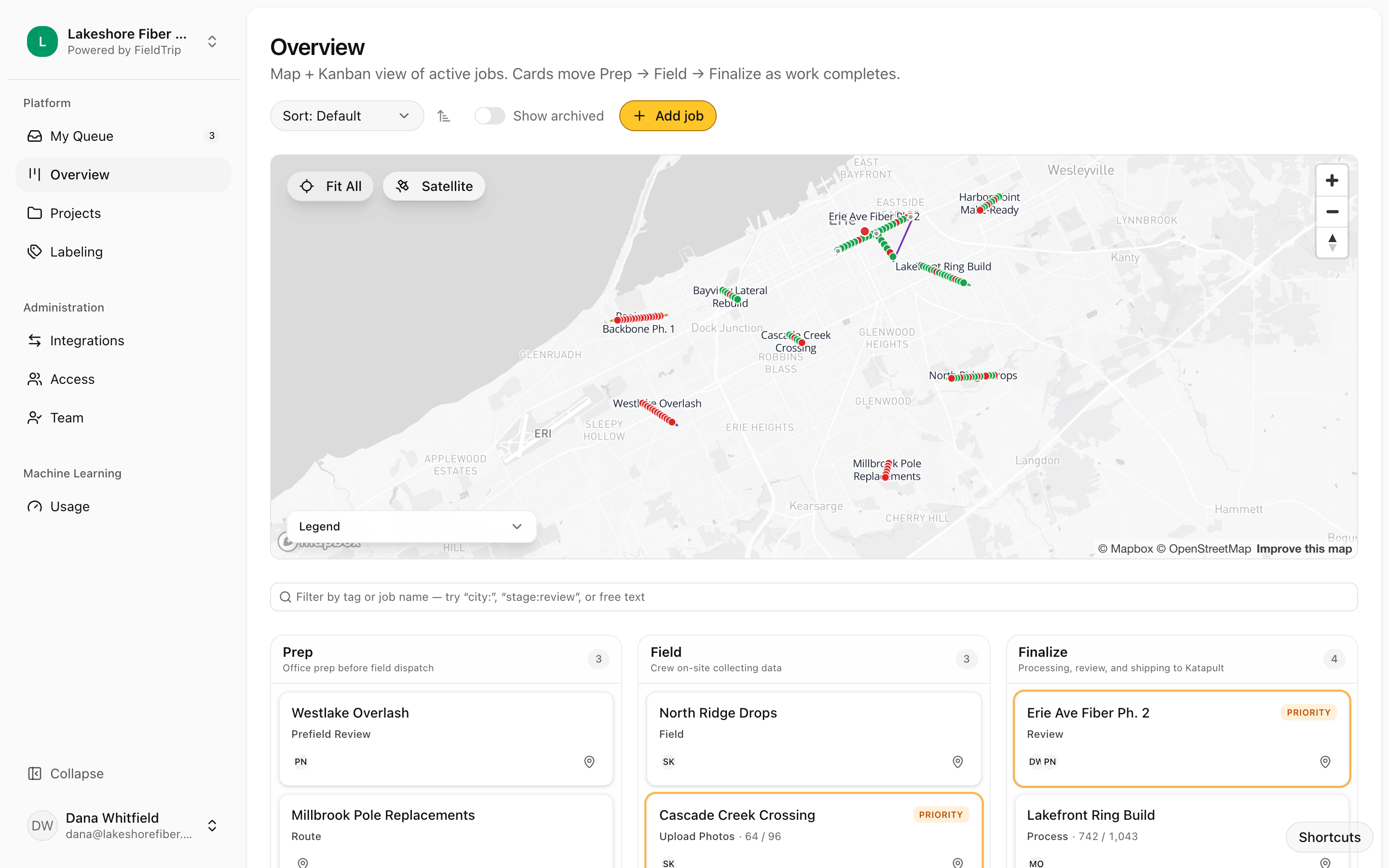
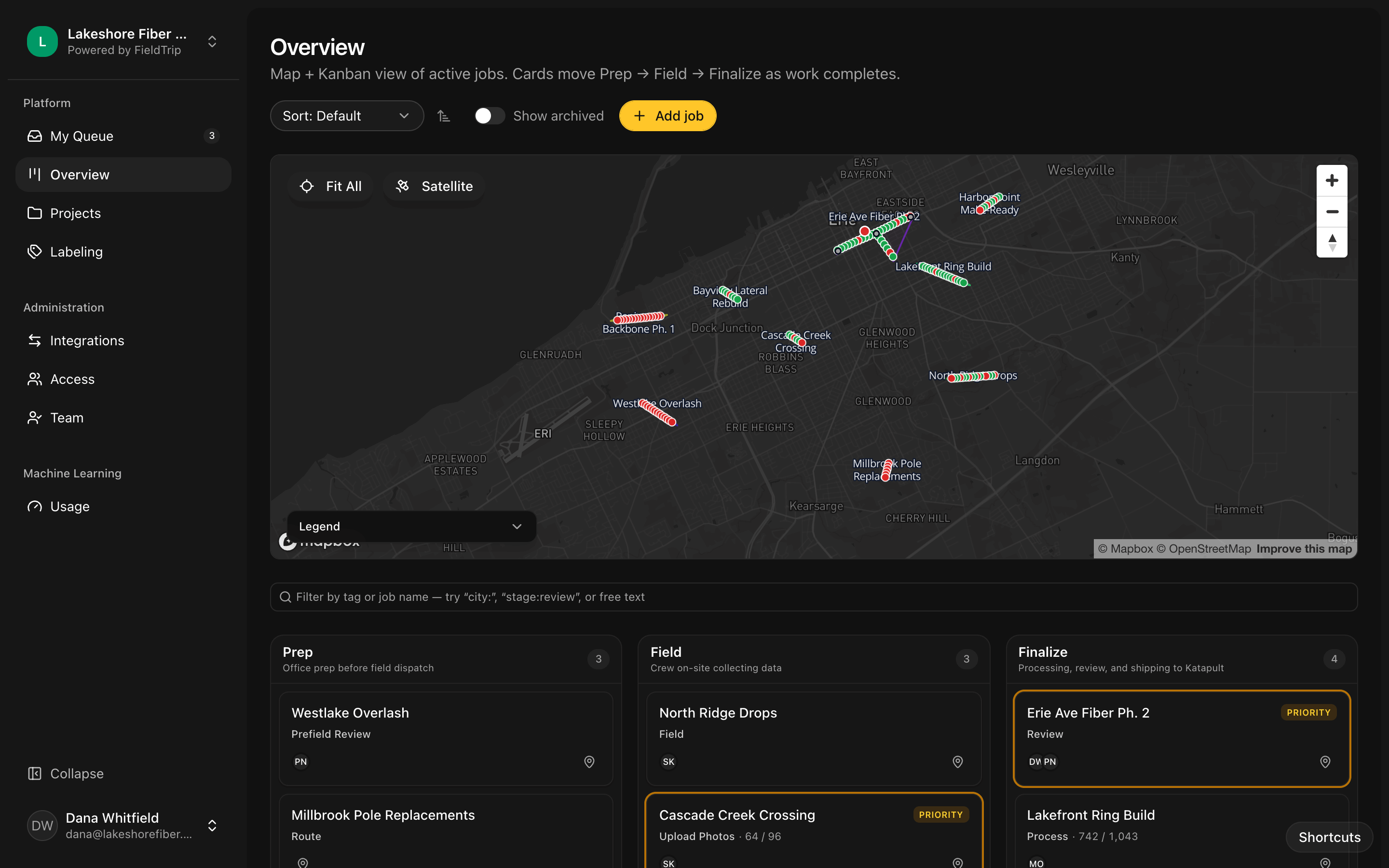
A spatial view of every route, with the photo and the pole one click apart. Program directors see what's blocked. Drafters see what's next.
- Mapbox-backed map with every node, connection, and span in your route
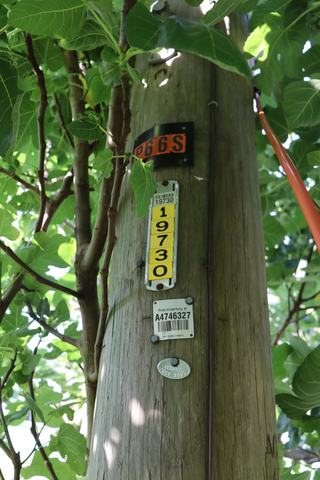
- Per-pole drawer with photos, classifications, and field notes inline
- Stage-level status — see which route is stalled and why
- Geospatial photo association: photos snap to the nearest node, with conflict flags when something's off

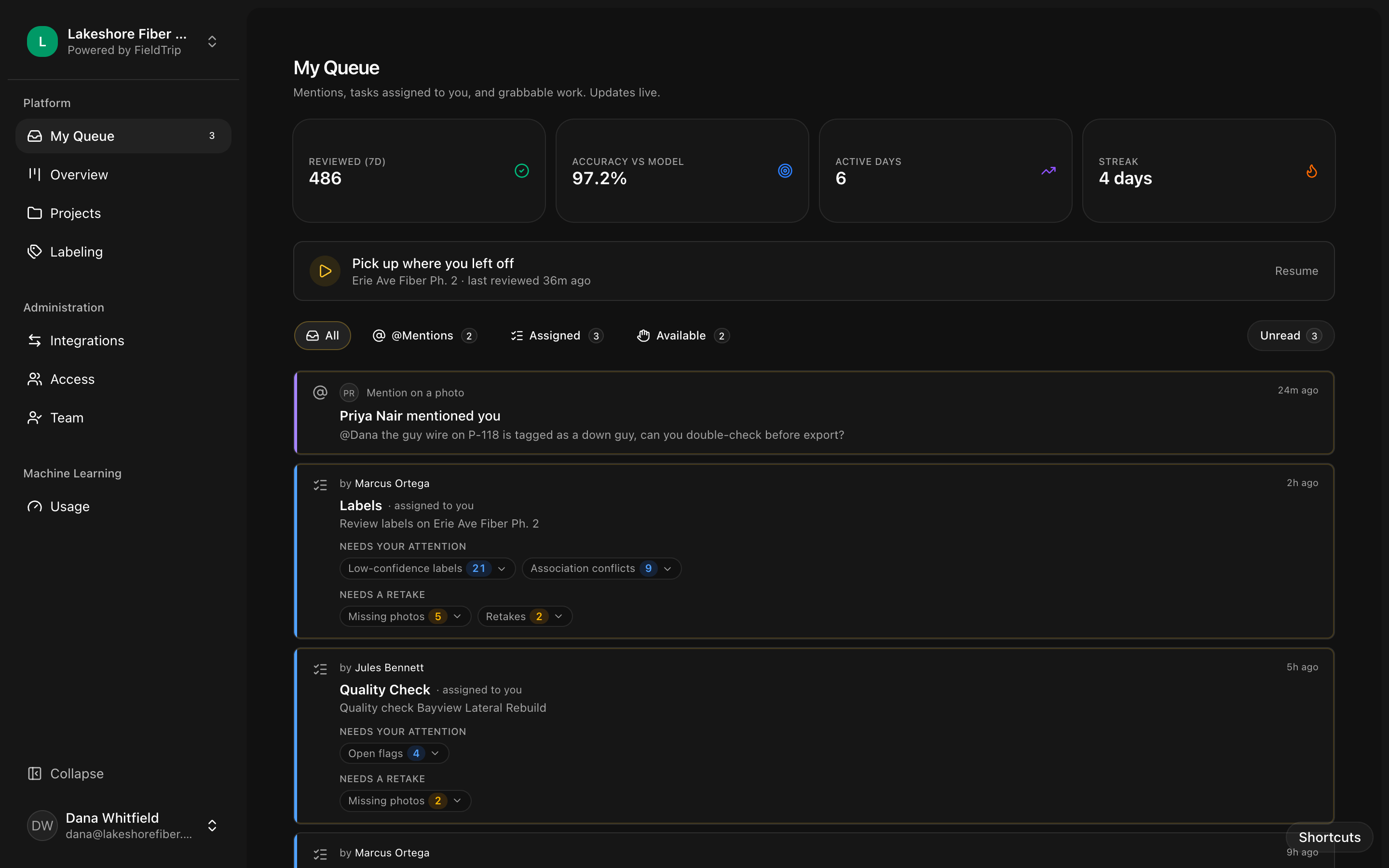
Review & Annotation
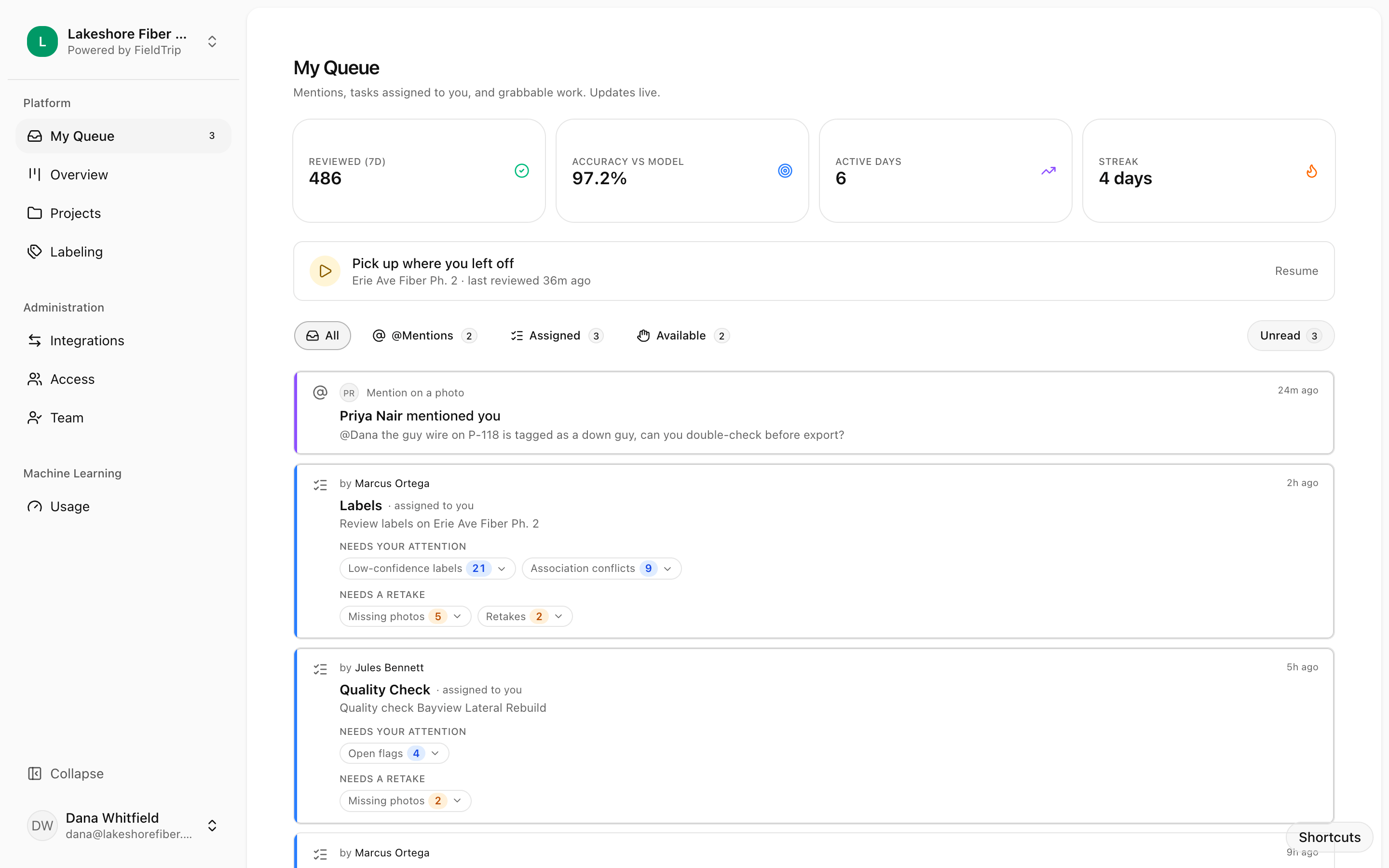
A review queue your QC leads will actually want to open. Keyboard-first. Ranked by priority. No assignment meetings.
- Keyboard-first reviewer — letter hotkeys per class, arrows for nav, one hand on the mouse never required
- Annotation tools for measurements, markups, and custom labels outside the trained taxonomy
- Multi-stage QA with signoff — the same photo doesn't get reviewed twice by accident
- Side-by-side comparison views for before/after and pole-to-pole sanity checks
GIS Writeback
Classifications and attributes land in your system of record — on a signoff, never automatically. Or run FieldTrip standalone and export when you're ready.
- Schema mapping to your existing GIS, not a forced rename
- Katapult Pro native — the deepest integration today
- ESRI and other GIS platforms via API
- Conflict detection: attribute clashes surface for review, not silent overwrite
Pipeline Control
Every job moves through a pipeline you define. Stage-level timers, SLAs, owner assignments — so routes don't stall in someone's inbox.
- Configurable stages per project type — match your real workflow, not a template
- SLA tracking with alerts before something blows the deadline, not after
- Capacity-aware assignment: work routes to the people who can actually take it
- Real-time backlog and throughput visibility — for the program director, not the spreadsheet
Integrations
FieldTrip plugs into the tools your team already runs — or runs alongside them. Your call.
- ClickUp, Asana, and project management sync — work where your team already lives
- Slack and Microsoft Teams alerts for routes that need attention
- Google Workspace and Enterprise SSO via WorkOS
- Webhook and API access for anything we haven't built natively yet
 Katapult
 ClickUp
 Slack
 Teams
 Google
Built for speed
Every action has a keyboard shortcut. Reviewers process images without taking a hand off the keyboard. Power users average under three seconds per image on routine classifications — not because they're rushing, because the friction is gone.
Security & Compliance
Workspace isolation at core. Single-tenant at Enterprise. Your data, your call.
Workspace isolation
Core: your data lives in a workspace isolated from other tenants. Enterprise: single-tenant hosting at fieldtrip.{your-domain}.com, to standards you agree to up front.
Data and training
Core: your photography contributes to shared models that get better every release — and you benefit from every other workspace's photography too. Enterprise: bespoke models train only on your data. Nothing leaves your tenant.
Auth and access
Core: social login and email/password, with role-based permissions per team. Enterprise: SCIM provisioning and SSO via WorkOS, with granular RBAC.
Reliability
Built on GCP with multi-region redundancy. 99.9% uptime SLA.
Full data-handling, subprocessor, and incident-reporting details on Trust & Security.
For builders
Drive FieldTrip from your AI assistant, your CLI, or a purpose-built agent.
MCP server live at mcp.draftline.pro/mcp. Rust CLI in beta. Purpose-built agent in preview. Same auth, same audit log, same models.
See the platform in action
Join the waitlist and we'll reach out when a pilot slot opens up for your team.